


Download PotPlayer APK – video player, free video player, mobile video player, multimedia player, video playback, video format support, audio enhancement, video quality, video upscaling, HDR support, RTX graphics, AI video enhancement, playlist management, secure video player, no ads, no malware
Overview
PotPlayer APK is a free mobile video player application developed by Creator IND for Android devices. Designed as a multimedia tool, it aims to deliver a high-quality audio-visual experience across a broad range of video and audio formats. The software is tailored for users seeking a lightweight, efficient, and feature-rich alternative to standard media players on Android.
It supports a wide variety of file types, including AVI, MP4, WMV, RMVB, MKV, M4V, MPG, FLV, and others, making it suitable for both casual viewers and media enthusiasts. The app is especially beneficial for users who frequently encounter diverse or uncommon video formats and require a reliable player without the need for additional codecs. Real-world usage scenarios include personal video playback, organizing media libraries, and enjoying content with enhanced audio and visual settings.
The developer did not provide additional details about the company’s background or prior projects. Platform compatibility is confirmed for Android devices, though specific version requirements were not listed. The application is intended to serve consumers and independent users who value flexibility, performance, and a secure playback environment.
Key Features & Capabilities
- Extensive Video Format Support – PotPlayer APK supports a wide array of video formats, including AVI, MP4, WMV, RMVB, MKV, M4V, MPG, FLV, and more, enabling users to play files without conversion or external codecs.
- Advanced Audio Enhancement Tools – Built-in equalizer, bass booster, and stereo surround sound settings allow users to customize audio output for a more immersive listening experience.
- Video Upscaling with AI Technology – The app leverages AI-powered upscaling to enhance video clarity and sharpness, particularly beneficial for low-resolution content.
- NVIDIA RTX Video HDR Support – For compatible devices, the software enables HDR10 remapping of SDR content, improving visual quality on supported screens.
- Smart Playlist Management – Users can organize videos into playlists using drag-and-drop functionality, streamlining access to frequently watched content.
- Secure Media Access – The application allows users to set passwords for confidential video and audio files, enhancing privacy and data protection.
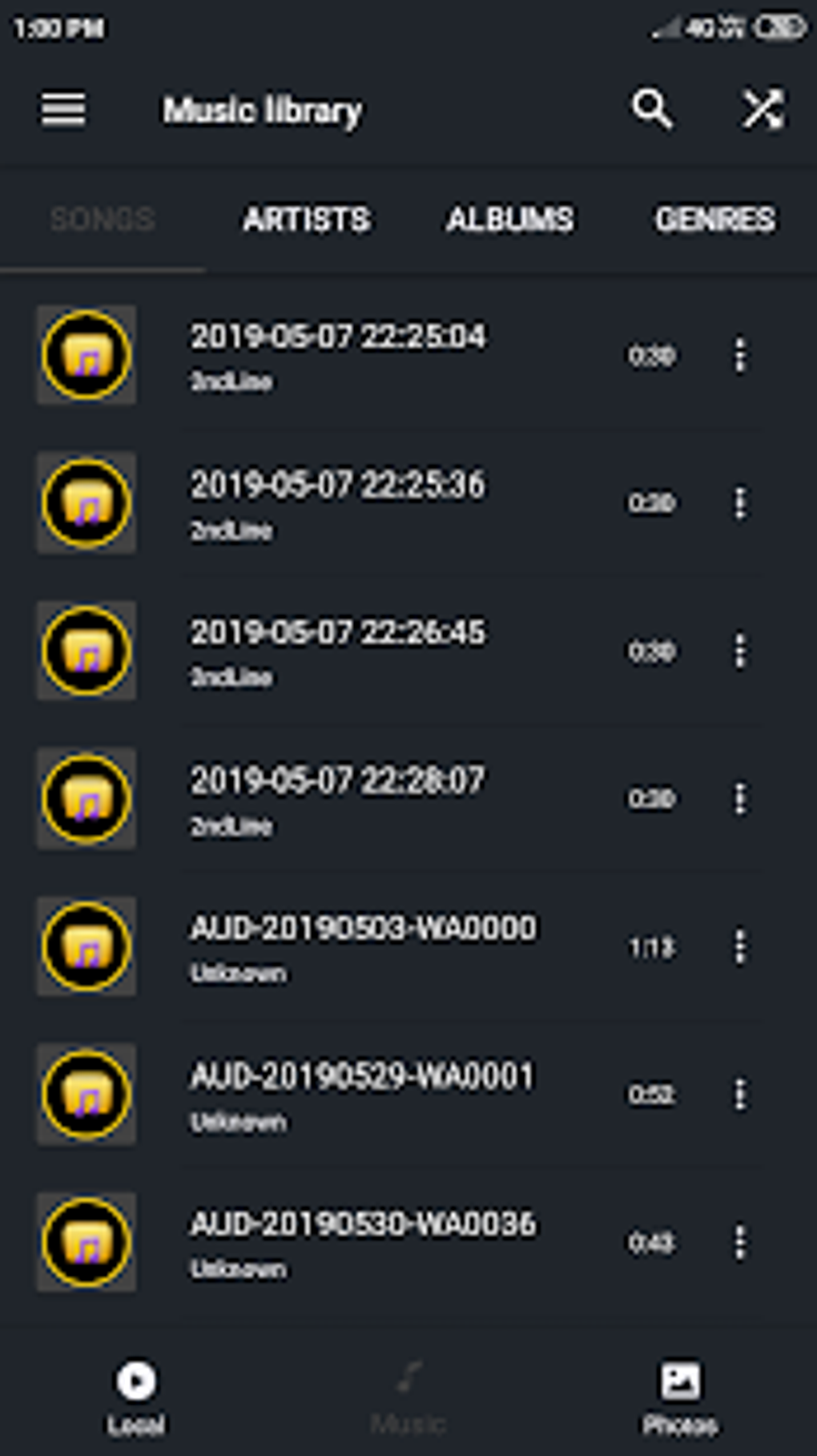
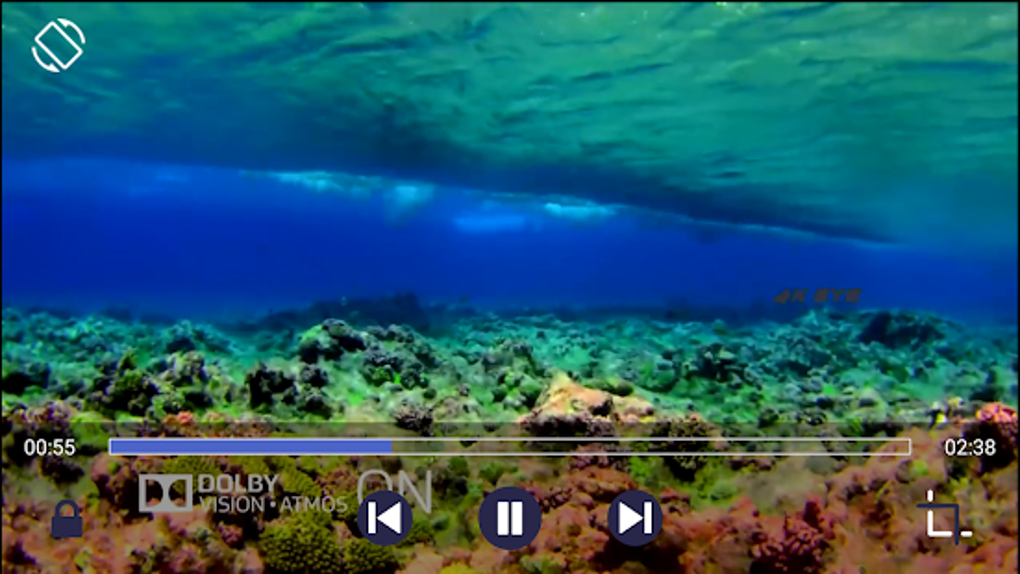
- Minimalist, Intuitive Interface – The main window features a clean layout with easily accessible on-screen controls for volume, brightness, and playback progress.
These features collectively support seamless media playback, customization, and organization. For example, users can optimize audio settings for headphones or enhance low-quality videos on older devices. The playlist system enables uninterrupted viewing across multiple files, ideal for binge-watching or curated content sessions. The secure access feature is particularly useful for personal or sensitive media stored on mobile devices.
User Interface, Workflow & Performance
The user interface of PotPlayer APK is described as minimalist yet comprehensive, with a main window that provides direct access to playback controls and settings. Navigation is designed to be intuitive, allowing users to access additional options through on-screen gestures, such as sliding the screen to reveal volume, brightness, and progress controls. The workflow emphasizes efficiency, enabling quick access to frequently used functions without clutter.
The app is optimized for speed and effectiveness, ensuring smooth playback even with complex or high-resolution files. However, the developer did not specify resource usage details such as CPU or RAM consumption. Performance observations are based on general software behavior patterns.
Stability during extended playback sessions was not evaluated in the provided information. The application is reported to be free of ads and malware, which contributes to a clean user experience. Overall, the interface supports a streamlined workflow that balances functionality with simplicity, making it accessible to both novice and experienced users.
Compatibility & System Requirements
PotPlayer APK is designed for Android devices and is available in version 2.0.1 with a file size of 10.5 MB. The developer did not provide detailed system requirements, including minimum Android version or hardware specifications. Compatibility information was partially provided, confirming support for Android platforms.
The installation size is relatively small, suggesting it is lightweight and suitable for devices with limited storage. The developer did not specify whether the app supports specific GPU models beyond NVIDIA RTX. Users are advised to ensure their device meets the general requirements for running Android applications.
Exact performance details were not specified. For optimal results, users should verify compatibility with their specific device model and Android version.
Pros and Cons
Pros
- Supports a wide range of video and audio formats
- Includes advanced audio enhancement tools like equalizer and bass booster
- Offers AI-driven video upscaling and HDR support for improved visual quality
- Features secure playback with password protection for private media
- Free of ads and malware, ensuring a safe user experience
- Lightweight installation size (10.5 MB)
- Intuitive interface with on-screen controls and drag-and-drop playlist management
Cons
- Exact system requirements and supported Android versions were not listed
- Performance behavior under heavy load or on older devices was not specified
- Developer background and company details were not provided
- No information on update frequency or long-term support
- Limited details on cloud sync or cross-device functionality
FAQ Section
Is PotPlayer APK compatible with all Android devices?
While PotPlayer APK is designed for Android, the developer did not specify exact compatibility requirements. Users should ensure their device meets general Android application standards.
Is the app safe to download and use?
Yes, the application is reported to be free of ads and malware. It is recommended to download from trusted sources to maintain security.
Does PotPlayer APK require an internet connection?
The app supports offline playback. However, some features like updates or cloud integration may require an internet connection.
Can I use PotPlayer APK on devices with NVIDIA RTX graphics?
Yes, the latest version includes support for NVIDIA RTX Video HDR and AI video enhancement, provided the device has compatible hardware.
Is PotPlayer APK free to use?
Yes, the software is available for free with no in-app purchases or subscription fees.
Final Thoughts
PotPlayer APK stands out as a powerful and secure mobile video player that delivers high-quality playback across diverse formats. Its combination of AI-enhanced video upscaling, HDR support, and customizable audio settings makes it a strong contender among Android media players. The inclusion of password protection and a clean, ad-free interface enhances user trust and experience.
While detailed system requirements and performance metrics were not provided, the lightweight size and broad format support suggest accessibility across a wide range of devices. The app is ideal for users who value flexibility, privacy, and immersive playback without the need for paid alternatives. For those seeking a reliable, free, and feature-rich video player on Android, PotPlayer APK offers compelling value.
Download PotPlayer APK now.






.png)
